
Free Excel download
Training Matrix Spreadsheet (Excel)
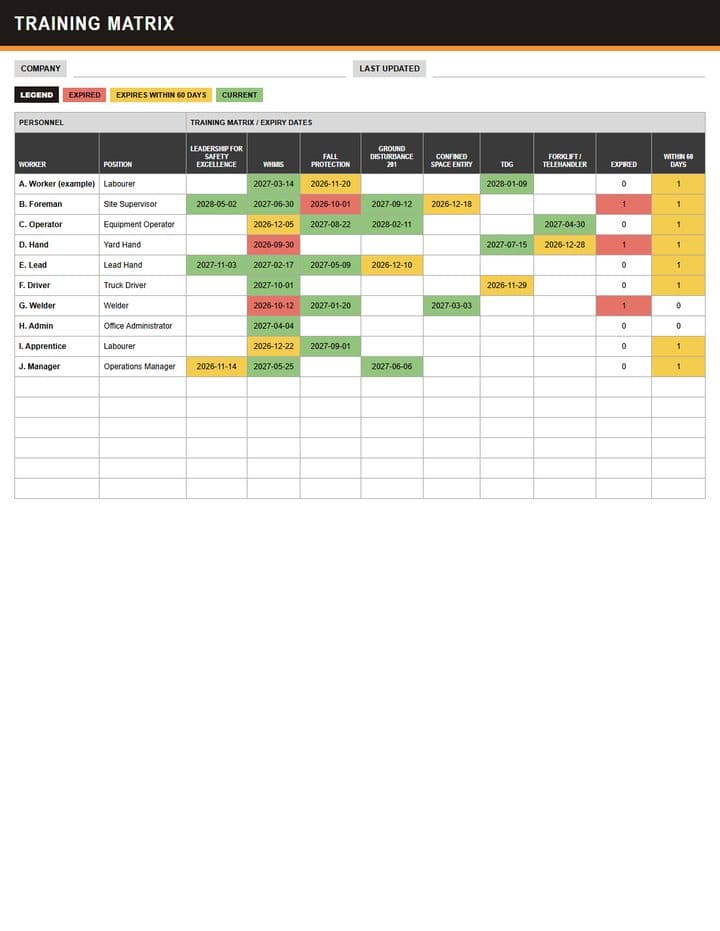
A formula-driven Excel workbook that tracks every worker's certificates and lights up expiring tickets before they lapse.
Excel — free
Training Matrix Spreadsheet (Excel)
A formula-driven Excel workbook that tracks every worker's certificates and lights up expiring tickets before they lapse.
- Automatic red, amber, green expiry highlighting
- Per-worker expired and expiring-in-60-days counters
- Pre-loaded with 12 common Canadian courses plus 3 custom columns
What's inside
An Excel workbook, ready to use
Who it's for: Office managers, supervisors and safety coordinators who need one place to see whose tickets are current, expiring or expired.
- 1Sheet: How to use. Six steps and the colour legend
- 2Sheet: Training Matrix. Rows for 30 workers, 12 common courses plus 3 custom course columns, and a count of expired and expiring tickets for each worker
- 3Sheet: Course list. The typical validity of each course and where to renew it
Sheet preview
Questions about this download
- Is it editable?
- Yes. It is an Excel workbook. Type each worker's name and position, then each certificate's expiry date, and the cell turns red, amber or green on its own.
- How does it know a ticket is expiring?
- It compares each expiry date with today's date. Past dates show red, dates within 60 days show amber and anything later shows green.
- Can I add my own courses?
- Yes. Rename any of the three custom course columns and enter expiry dates the same way.
Or never update a spreadsheet again
The Compliance Members Portal tracks worker certificates automatically, emails renewal reminders before tickets lapse, and exports audit-ready training records.
More free downloads
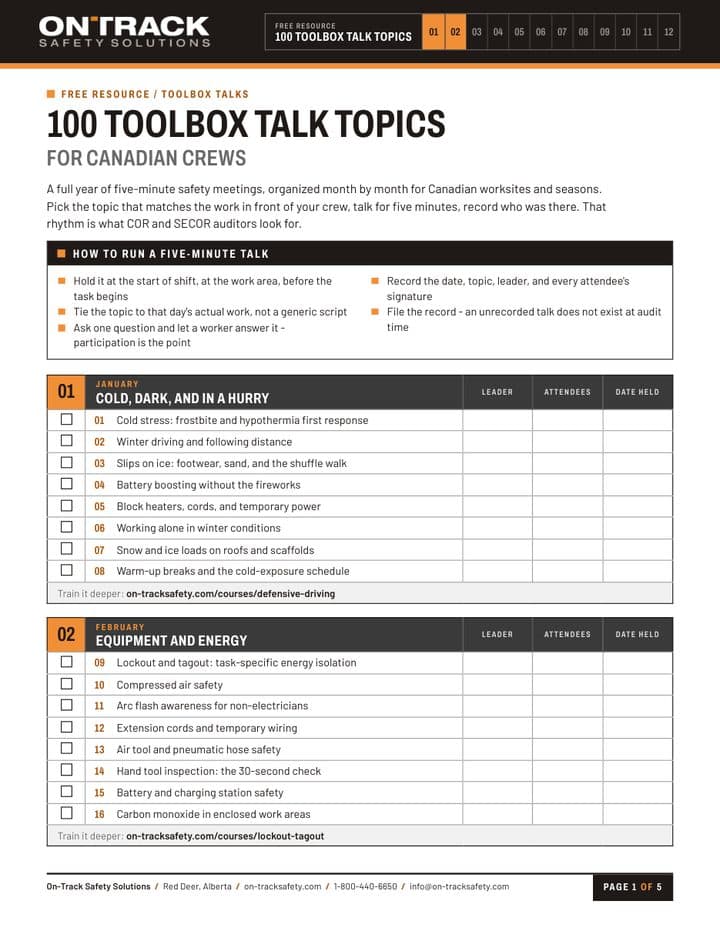
100 Toolbox Talk Topics for Canadian Crews
Get the download
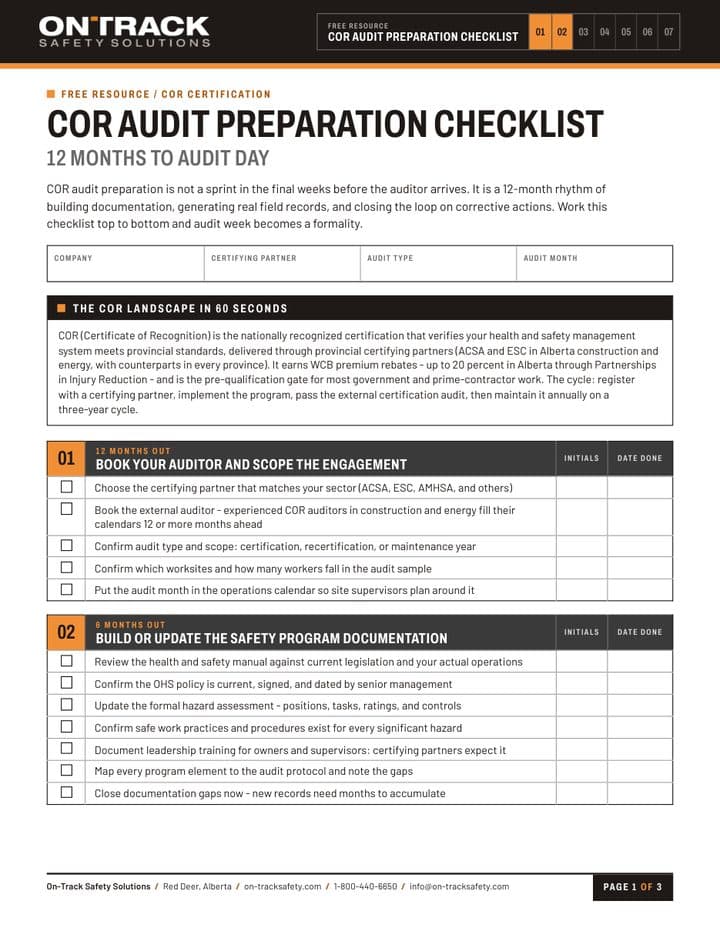
COR Audit Preparation Checklist: 12 Months to Audit Day
Get the download
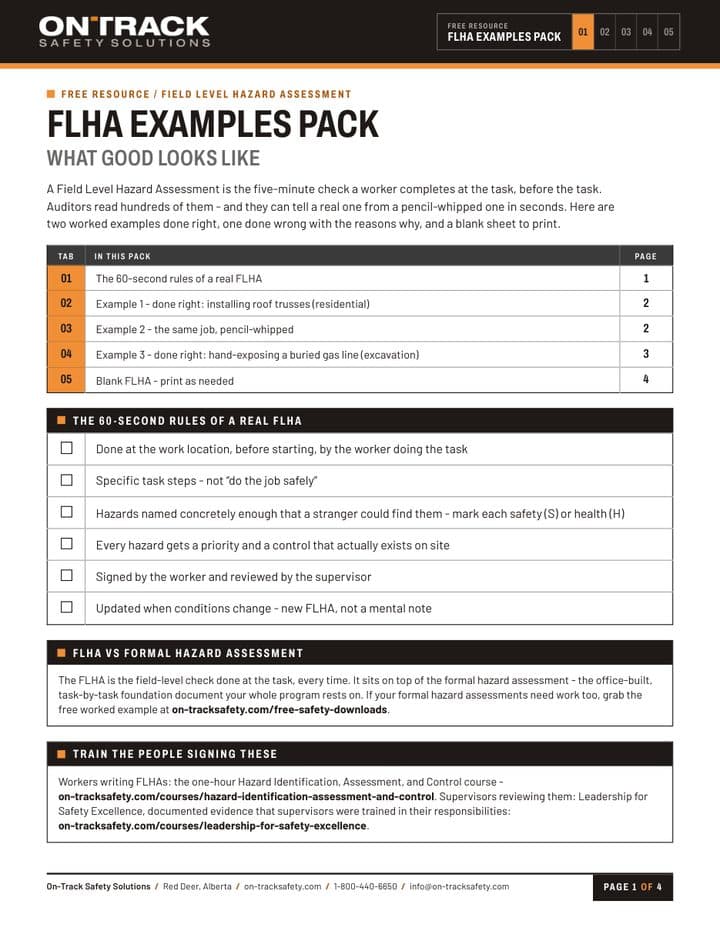
FLHA Examples Pack: What Good Looks Like
Get the download
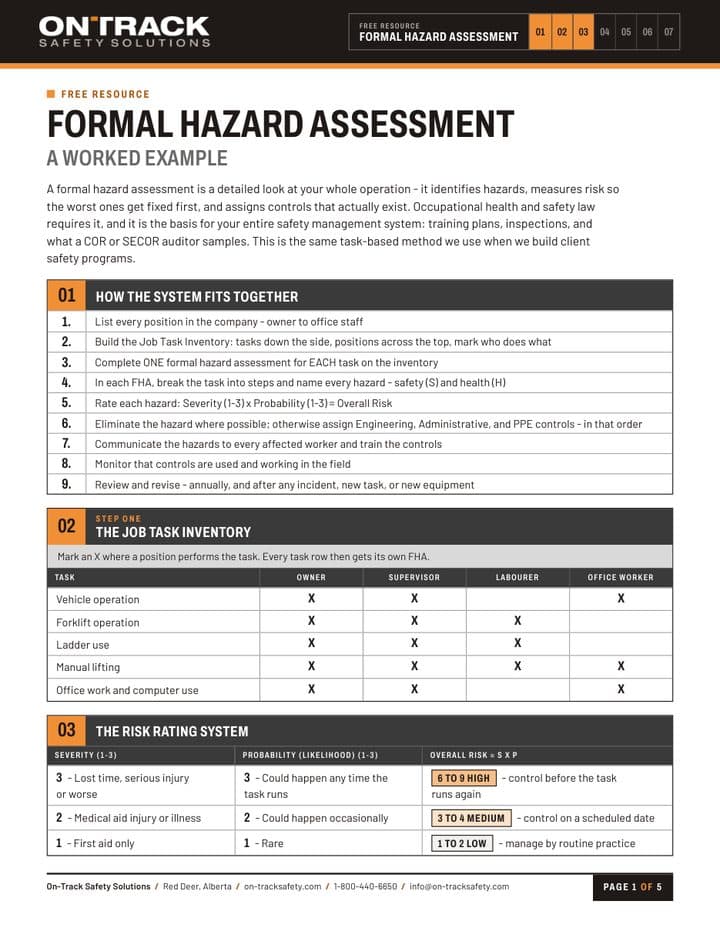
Formal Hazard Assessment: Worked Example + Worksheets
Get the download
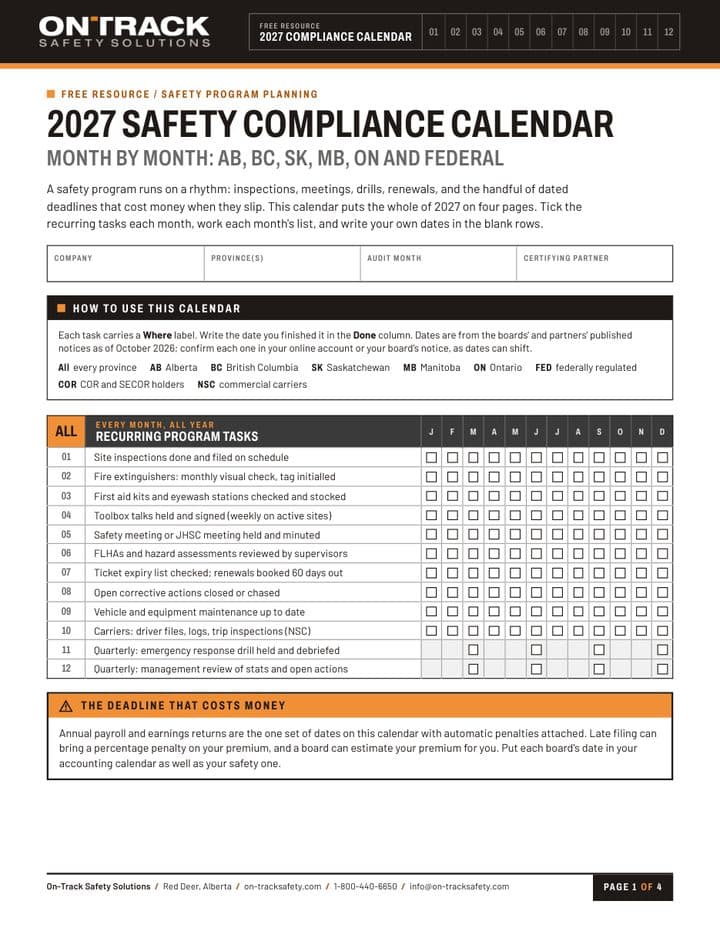
2027 Safety Compliance Calendar
Get the download
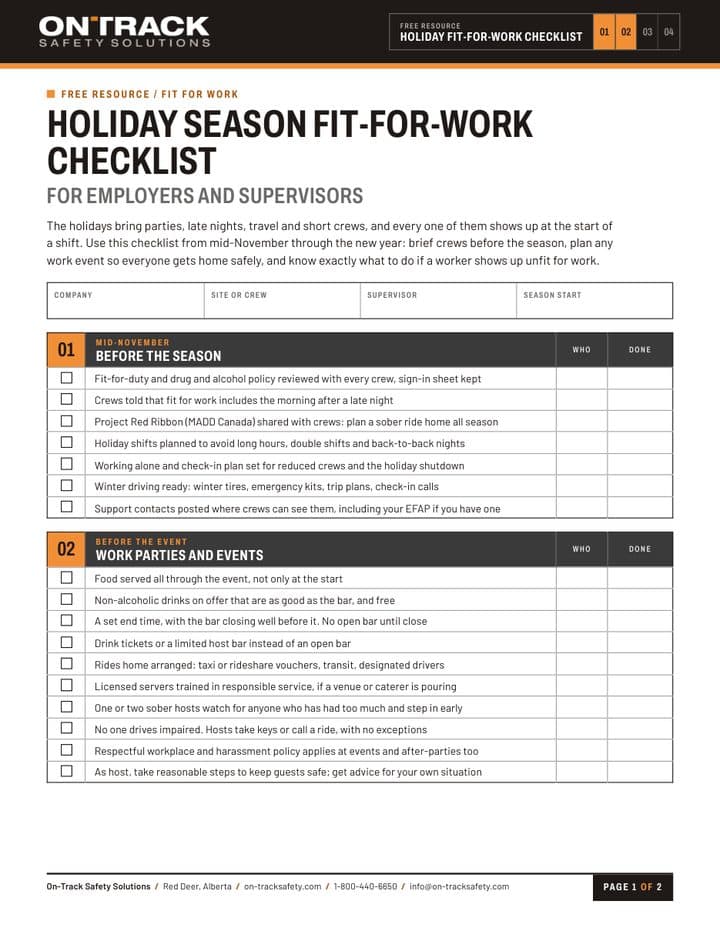
Holiday Season Fit-for-Work Checklist
Get the download