
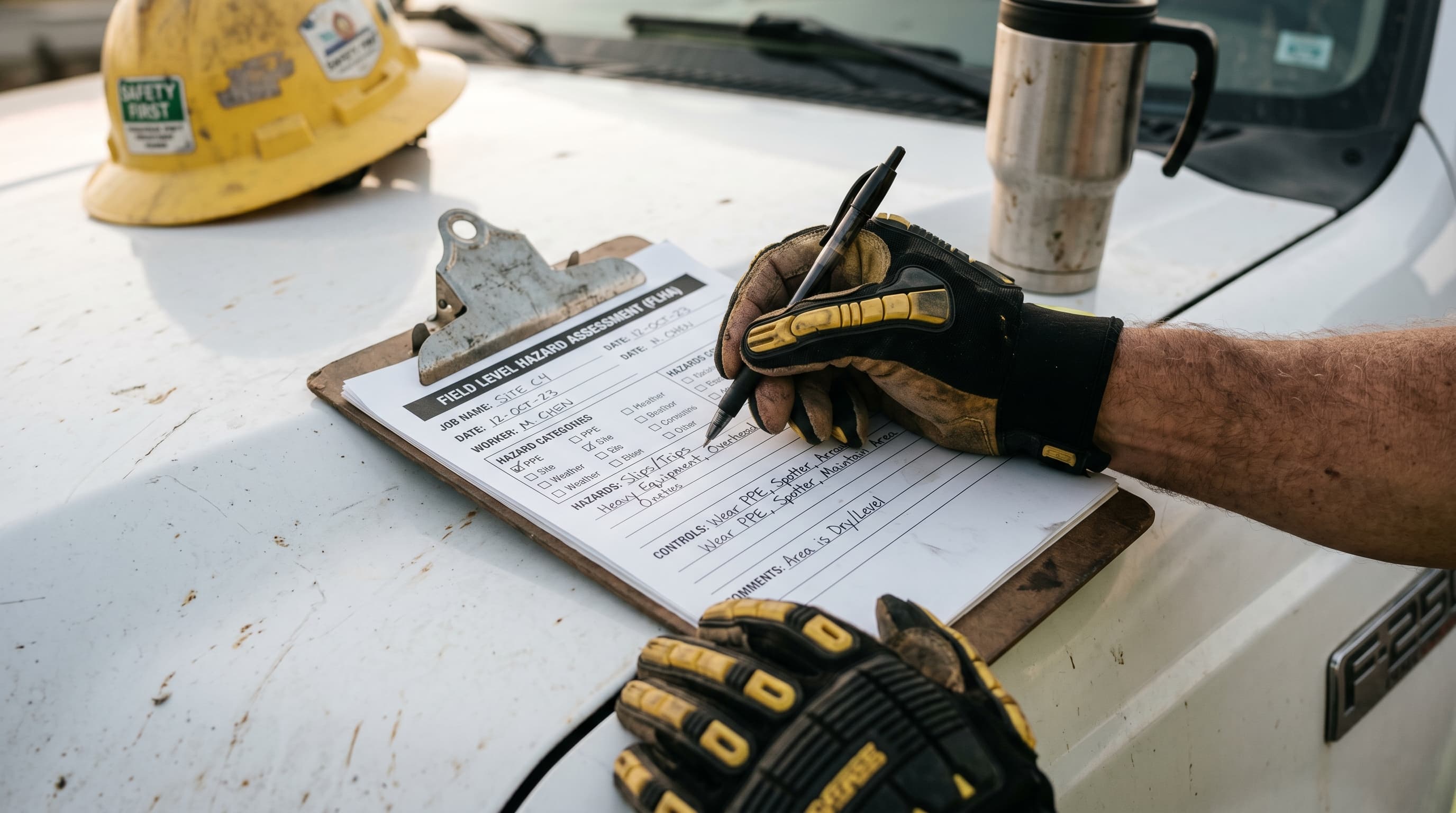
A guide for companies that already run a formal hazard assessment program but find it slow: template libraries, smart delegation, digital versus paper, and how to keep your FHA records audit-ready without the busywork.
If your formal hazard assessment program already exists but still eats a full day every time a new project starts, the problem usually isn't the requirement. It's the process. Companies with mature FHA programs tend to keep rebuilding assessments from a blank page, routing every draft through one overloaded person, and storing the results somewhere nobody can find them again in April when the COR auditor asks for six months of records.
None of the shortcuts below skip a step the standard requires. They cut the busywork around the requirement: the retyping, the chasing, the re-filing. The goal is a formal hazard assessment that takes twenty minutes instead of two hours, without losing anything an auditor or a worker actually needs.
Where mature FHA programs actually lose time
Once a program has been running a few years, the friction is rarely about knowing what a formal hazard assessment is. It's a handful of repeatable habits that quietly cost hours every month:
- Starting from a blank document for every new site or scope instead of a saved template
- One person (often the safety manager) writing every assessment personally instead of reviewing one someone else drafted
- Paper forms that get filled out correctly in the field and then sit in a truck for two weeks before anyone files them
- No consistent naming or filing system, so pulling assessments for a specific site or date range means opening a dozen folders
- Assessments that duplicate information already sitting in the safety manual or a job hazard analysis, rewritten instead of referenced
Each of these is fixable without touching the actual hazard identification and control work, which is the part that has to stay rigorous.
Build a core template library once
Most formal hazard assessments for a given company repeat the same hazard categories: working at height, mobile equipment, confined space, hot work, and whatever else defines the operation. Build one solid template per recurring task or hazard category, with the common hazards, controls, and PPE pre-filled, and leave only the site-specific fields open. A crew filling out a pre-built excavation template is answering four or five questions instead of writing a document from scratch.
Store the library somewhere every supervisor can pull from directly, not buried in one person's inbox. If your safety manual was built by an outside provider, ask whether hazard assessment templates were part of that package. On-Track's custom safety manuals include hazard assessment templates built into the manual structure, so they stay aligned with the rest of your documented program instead of living as a separate, drifting file.
Delegate the writing, not the sign-off
A common bottleneck is a safety manager who insists on personally drafting every FHA because they don't trust anyone else to get it right. That's a review problem, not a drafting problem. Train your supervisors and experienced crew leads to complete the first draft using the template library, then have the safety manager review and approve. Reviewing a filled-in template against known hazards takes minutes. Writing one from nothing does not.
This only works if the review step is real. A rubber-stamped approval defeats the purpose and shows up badly in a COR or SECOR audit, where reviewers can tell when every assessment was clearly written and approved by the same person on the same day. Keep the delegation, keep the review, and the total time across the whole program still drops.
Digital versus paper: where the time actually goes
The paper-versus-digital debate isn't really about the form itself, it's about everything that happens after it's filled out. A paper FHA completed correctly in the field still has to survive being transported, filed, and found again months later when someone needs it for an audit or an incident review. Digital platforms remove that middle step: the completed assessment is searchable and time-stamped the moment it's submitted.
On-Track is an authorised referral partner for SiteDocs and can get new members 15 percent off, which is worth knowing if your company is still running formal hazard assessments on paper and losing time to filing and retrieval rather than to the assessments themselves. On-Track's digital safety forms and field safety officer services can both help get a digital FHA workflow running on site.
If you switch to digital forms, attach photos to the assessment at the time it's completed, not after. A photo of the actual hazard and control in place is worth far more to an auditor than a written description, and it takes the same few seconds as any other field on a digital form.
Keep the paper trail working for your audit, not against it
For companies pursuing or maintaining COR or SECOR, formal hazard assessments feed directly into the audit record. Under Alberta's ACSA model, hazard identification and assessment sits within Element 7, and a certifying auditor will expect to see a consistent, retrievable set of completed assessments tied to actual sites and dates, not just proof that a template exists. The same expectation holds with other certifying partners across BC, Saskatchewan, and Manitoba, even where the audit standard differs in detail.
The shortcut here is filing discipline, not extra paperwork: name and date every completed assessment consistently, keep them organized by site or project, and make sure whoever prepares your audit package can pull three months of records without opening every folder on the drive. If your organisation is heading into a COR or SECOR audit and isn't confident the FHA records will hold up, On-Track's COR and SECOR audit services include a review of exactly this kind of documentation gap before it becomes a finding.
When a shortcut stops being a shortcut
Every suggestion above is about removing friction, not about lowering the bar on what a formal hazard assessment has to actually cover. If a template is being copied without anyone checking whether it fits the site, or if sign-off has become automatic, the program has quietly stopped protecting anyone and started existing only on paper. That's usually the point to have an outside set of eyes look at the templates, the delegation structure, and the filing system before an auditor finds the gap first.
Not sure your FHA program would hold up under audit?
On-Track can review your templates, delegation structure, and filing system before an auditor does, and build custom orientations if new-hire training is part of where the process is breaking down.
Talk to a safety advisor